
Duplicating configurations for an existing customer
Click here for click-by-click instructions with screenshots of each step or read on for the key points...
The most common scenario for duplicating a configuration for an existing customer is you're ready to renew their configuration before the official "Start Renewal" button has popped up (90 days ahead of the expiration date). Here's how to do it!
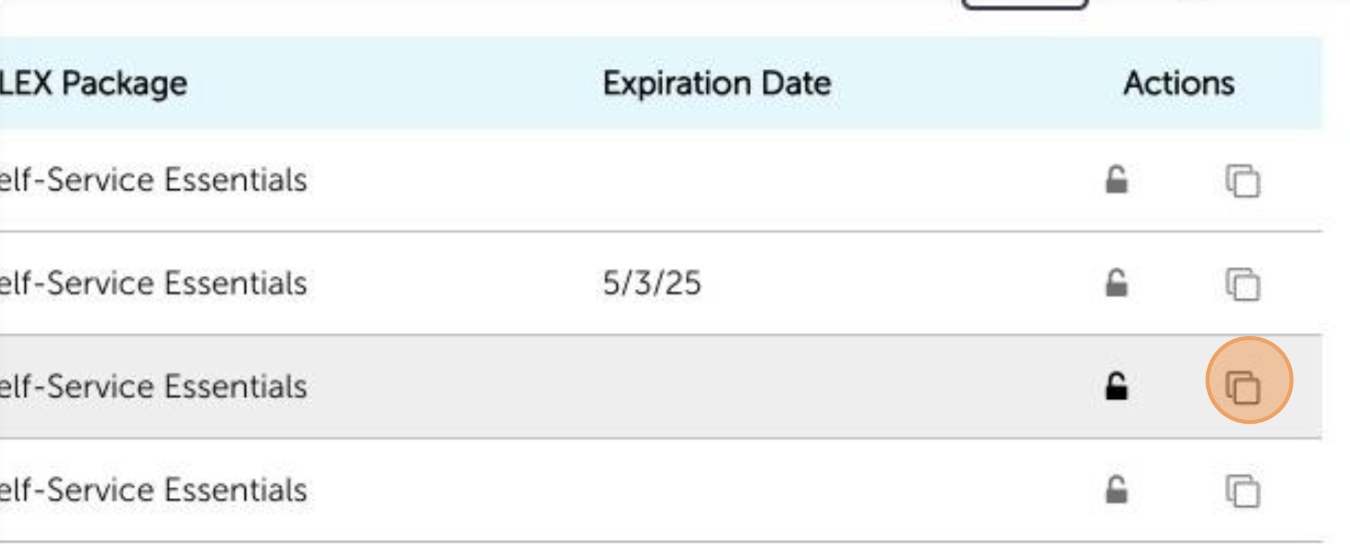
Find the configuration you'd like to duplicate and hit the "duplicate button".
Builder will give you the option to duplicate for a new or existing customer. Choose "Existing Customer" and use the search box to select the correct customer. Click the yellow "Duplicate Configuration" button.
Choose between Self-Service Essentials or Fundamentals.
Essentials includes Benefits Counselor (audio-led), ALEX Go (English and Spanish), Benefits and New Hire Sneak Peek videos, Medicare, and Ask ALEX (AI Chat).
Fundamentals is only ALEX Go (English and Spanish). This is the text-based version of ALEX.
Select the correct plan year from the drop down and enter the eligible employee count. Don't worry if you don't have the exact number. You can update it at anytime from inside the configuration.
If you are renewing a configuration early, use the check box to shift all configured dates forward one year (ie: If the OE start date for the original configuration was 10/15/24, this will change that date in the new, duplicated configuration to 10/15/2025).
Click "Finish and start configuring details" and your new, duplicated configuration will open!