
How to configure Accident plans with more than one level of coverage
Edited
Users can only be eligible for one Accident plan per configuration and ALEX cannot currently be configured to speak to plans with multiple levels of coverage. However there is a workaround to include this information!
One level of coverage can be configured under the Accident plan in Builder, so ALEX will talk about that coverage and the other coverage options can be represented in the text notes of the plan.
We recommend using the note under Accident>Settings here:
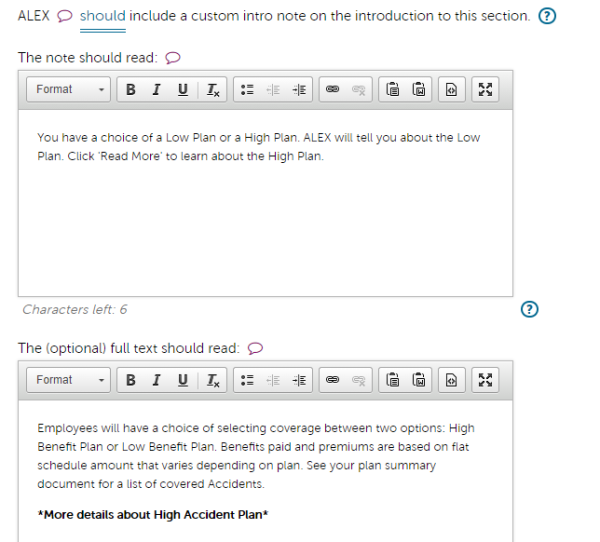
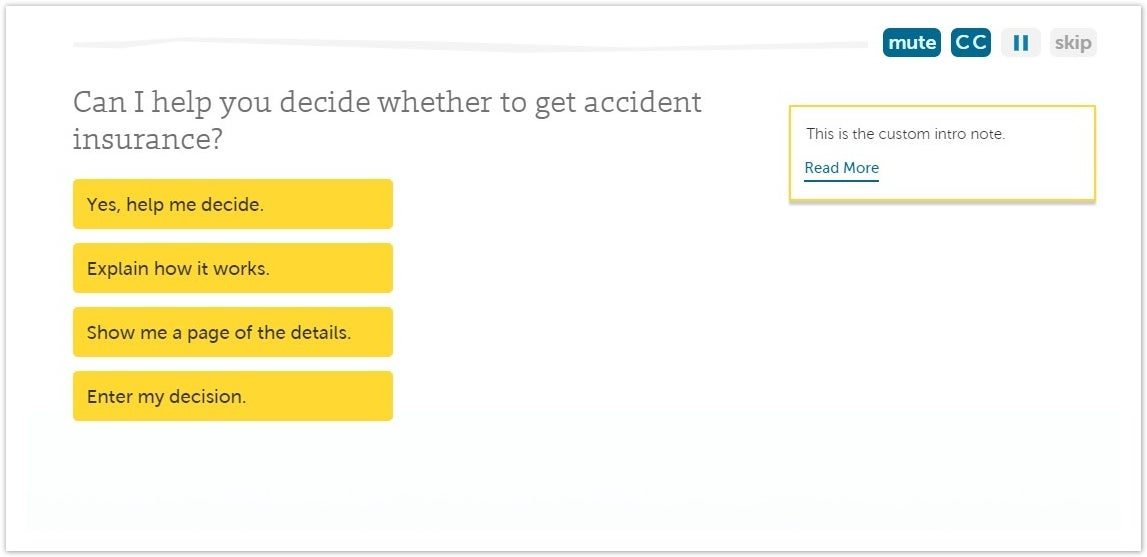
That note will appear in the Benefits Counselor pathway like this:
You can also include information in the ALEX Go pathway by attaching documents about coverage levels to the Additional Documents under the Accident Plan here:

Was this article helpful?
Sorry about that! Care to tell us more?