
How to configure Basic and Supplemental Life offerings
Edited
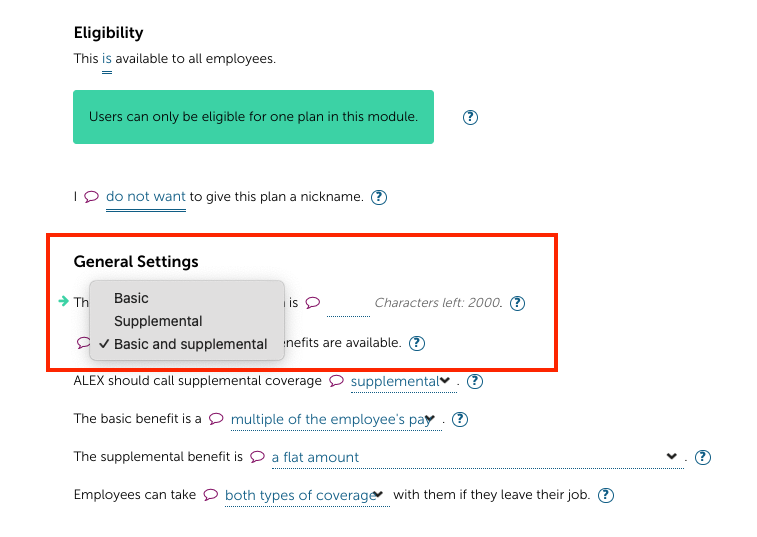
If a group offers both Basic and Supplemental Life offerings, you will configure both offerings under one Life Plan in Builder. Under General Settings select the basic and supplemental option:
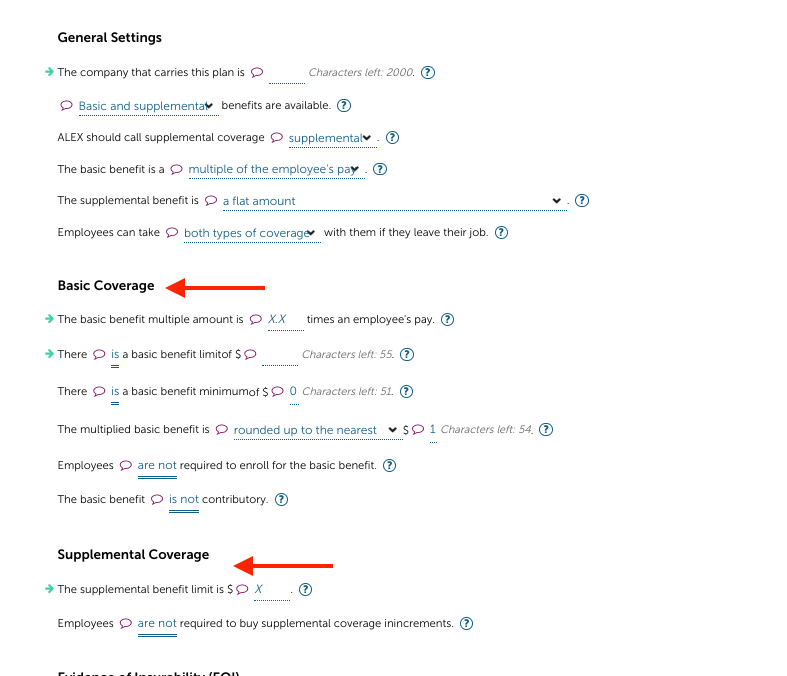
This will open up fields below to configure the details of the basic and supplemental offerings:
Note: Each user can only be eligible for one Life Plan in Builder. If basic and supplemental are configured as two Life Plans with users eligible for both plans, the audio led Benefits Counselor pathway will break and will display to users "Unfortunately based on what you told me, I'm not able to tell you about your benefits." However this particular eligibility overlap does not break the text only ALEX Go pathway.
Was this article helpful?
Sorry about that! Care to tell us more?